GAME / ADVENTURE
Open World Adventure
AI-matched music follows changing scenes, pacing, and energy across an open-world adventure.
AI SOUNDTRACK
Upload your video. AI automatically analyzes scenes, mood, pacing, and key moments — then matches licensed music scene by scene.
Music changes when the story does — not at every cut.
Already have background music?
Licensed music included · Dialogue and ambient sound stay intact · Videos up to 8 minutes
MADE WITH VIVIDSPARK
Each example below is a finished video with music matched by VividSpark AI Soundtrack. Explore how it works across different stories, moods, and pacing.
GAME / ADVENTURE
AI-matched music follows changing scenes, pacing, and energy across an open-world adventure.
AUTOMOTIVE / COMMERCIAL
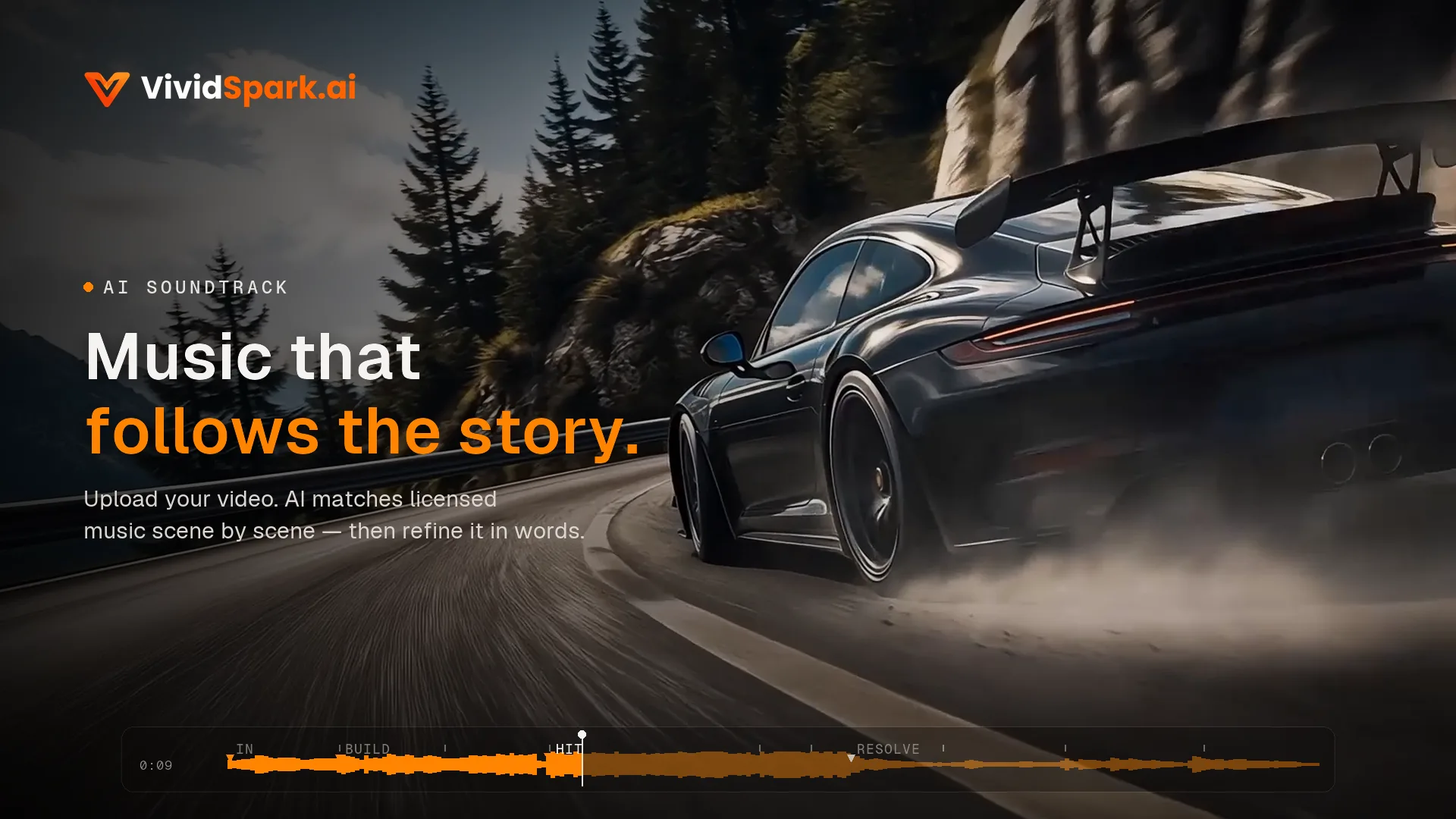
AI-matched music follows the pacing, visual transitions, and energy of a cinematic automotive commercial.
ANIMATED STORY
AI-matched music follows the changing mood, pacing, and emotional moments of this animated story.
Footage: Lava Hijzelaar (Lava Art) · CC BY 3.0
AMBIENT / RELAXING
AI Soundtrack matches music to the calm atmosphere and gentle pacing of an immersive ambient video.
CREATIVE / CINEMATIC
AI Soundtrack matches music to shifts in atmosphere, intensity, and pacing across a cinematic story.
ANIME / STORY
VividSpark removed the original background music and matched new music to changing scenes, pacing, and mood.
Footage: Netflix · CC BY 4.0
MATCHING, NOT GENERATING
No. VividSpark matches your video to tracks that already exist in our licensed library. The AI reads your footage and decides which track fits each scene and where it should change — it does not compose or render new audio. Every track you hear is a finished, licensed release.
You can preview the full track, see its length, and hear it the same way every time. Generated audio is different on every run, which makes it hard to judge before you commit to it.
Each track carries a defined license tier, so what you may do with it — personal use, monetised content, client work — is settled before you publish rather than after.
Our tracks are produced using a combination of human curation and AI-assisted music tools, under valid commercial licensing from the source platforms. You're responsible for any AI disclosure requirements on your distribution platform (e.g. YouTube, TikTok labeling rules where applicable).
START WITH ANY VIDEO
Upload your video and choose how you want to handle the audio.
✦ ADD BACKGROUND MUSIC
Let AI match licensed music to your video's scenes, mood, and key moments automatically.
♫ REMOVE OR REPLACE
Remove existing background music while keeping dialogue, or scan for potential copyright risks before replacing it.
WHAT MAKES IT DIFFERENT
Most tools make you choose or generate one track, then leave you to time it yourself. VividSpark analyzes the story, emotion, and pacing, selects licensed music, and decides where it should start, stop, and change.
AI reads emotional shifts, scene changes, and key moments before choosing music—not just the total runtime.
Different moments can use different tracks. AI changes the music only when the story, mood, or pacing calls for it.
Existing background music can be removed while keeping dialogue, then replaced with AI-matched licensed music.
Remove any music section with one click, or describe a different mood and AI rematches that moment instantly.
HOW IT WORKS
Three steps. One upload.
Upload an MP4, MOV, WebM, AVI or MKV. Add music to a video without background music, or remove and replace existing music.
AI detects emotional shifts, scene changes, and key moments, then places licensed music where it works best.
Remove any music section with one click, or describe a new mood to rematch it. Export when everything feels right.
NATURAL LANGUAGE FINE-TUNING
Don't like the music in a scene? Just tell the AI to change it, or describe the style, mood, or feeling you want. VividSpark rematches that part for you — no searching through tracks, previewing music one by one, or manual timeline editing.
WHY VIVIDSPARK
See how VividSpark compares to typical video music tools.
| Feature | Typical Tools | VividSpark |
|---|---|---|
| Music selection | ✕ Search, preview and choose music manually | ✓ AI matches licensed music automatically |
| Music placement | ✕ One song may play from start to finish | ✓ Different moments can use different tracks |
| Timing and entry points | ✕ Manual cut and sync required | ✓ AI picks entry points based on scene analysis |
| Existing background music | ✕ Often requires separate handling | ✓ Remove music, scan for potential copyright risk, and replace it |
| Mood adjustment | ✕ Search the library again manually when the mood is wrong | ✓ Describe the desired mood in natural language and AI rematches it |
| Copyright and licensing | ✕ No built-in copyright check | ✓ Licensed catalog with optional copyright-risk detection |
FAQ
VividSpark AI Soundtrack is an AI-powered music matching tool for video. Upload your video, and AI analyzes its scenes, mood, pacing, energy, and key moments, then automatically matches commercially licensed music scene by scene.
Instead of spending time searching for tracks, previewing music, and manually editing a soundtrack, VividSpark handles the matching for you and delivers a video with the music already matched.
Simply upload your video to VividSpark AI Soundtrack. AI analyzes the content, identifies scene and mood changes, and automatically matches licensed music to the right moments.
There is no need to search through a music library, preview tracks one by one, or manually place and edit music on a timeline. Upload your video, let AI handle the soundtrack, then review the finished result.
No. VividSpark AI Soundtrack focuses on music matching, not music generation. It matches your video with existing tracks from a commercially licensed music library.
AI decides which music fits each scene and where the music should change based on the video’s content, mood, pacing, and key moments.
Yes. VividSpark can automatically remove existing background music from a video while keeping the dialogue. You can remove the background music only, or continue with AI Soundtrack and let AI automatically match new licensed music to the video.
Yes. VividSpark can remove existing background music while keeping the dialogue, then analyze the video and automatically match new licensed music scene by scene.
Instead of removing the old music and manually searching for a replacement, the workflow can be handled in one place: remove, analyze, match, and replace.
Yes. VividSpark can scan a video for potential copyrighted-music risks before publishing. If potentially risky background music is detected, you can remove it and use AI Soundtrack to automatically match replacement music from VividSpark’s licensed library.
Copyright detection helps identify potential risks, but it does not guarantee that a publishing platform will never issue a copyright claim.
Not necessarily. VividSpark analyzes scene changes, mood, pacing, energy, and narrative structure throughout the video. When the story changes, AI can match different licensed music to different moments.
This allows the soundtrack to follow the video scene by scene instead of forcing one generic track across the entire video.
Just tell the AI what you want changed.
You can ask VividSpark to replace a music section you don’t like, or describe the feeling and style you want in natural language — for example, “make this scene more cinematic,” “use something warmer,” or “give this moment more energy.”
AI will rematch the music for that part of the video. You don’t need to go back to a music library, preview tracks one by one, or manually edit the soundtrack yourself.
Traditional video tools often require you to choose the music yourself, preview multiple tracks, place music on a timeline, and manually adjust where it starts, stops, or changes.
VividSpark is designed to reduce that work. Upload your video and AI analyzes the content, matches licensed music scene by scene, and prepares a finished video with the soundtrack already in place. If you want something changed, simply tell the AI and it can rematch that part for you.
Add, remove, replace, and fine-tune background music in one workflow—no track searching, no manual timing.
No credit card required · 200 free credits every month